Create a Goal
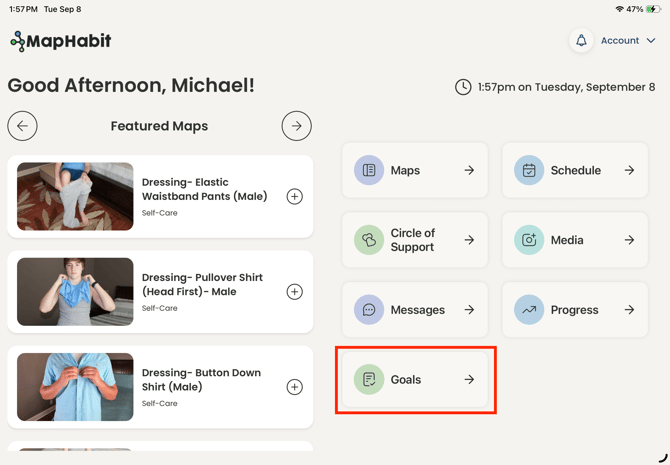
- Navigate to Goals from the Home Page
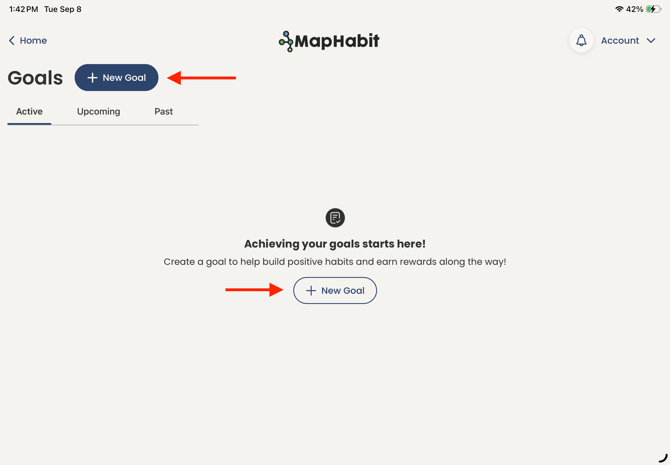
- Click New Goal
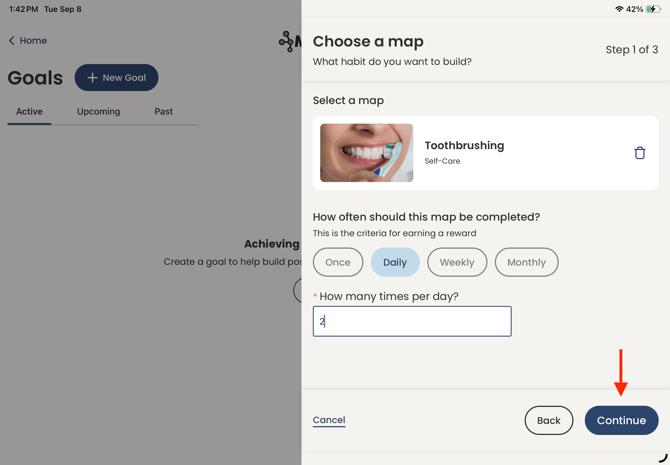
- Choose the Map associated with your Goal and set the cadence (daily, weekly, monthly) of the Goal and click Continue
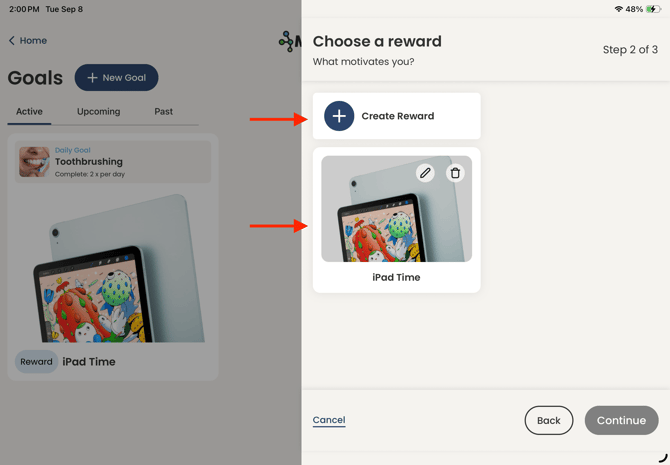
- Select a previously used Reward or create a new one then click Continue
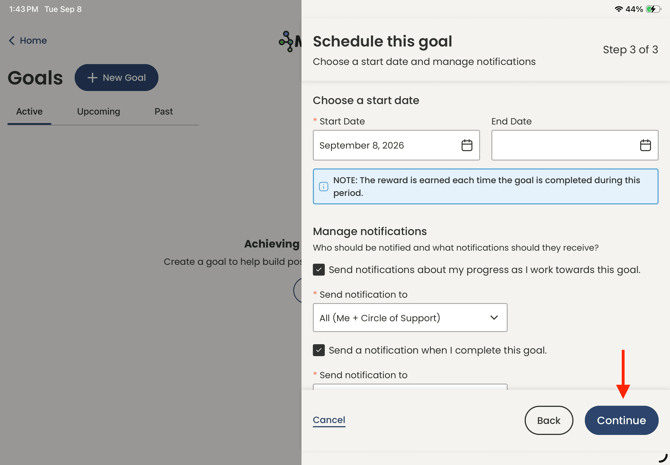
- Set the Start Date and End Date (Optional) and customize your notification preferences then click Continue
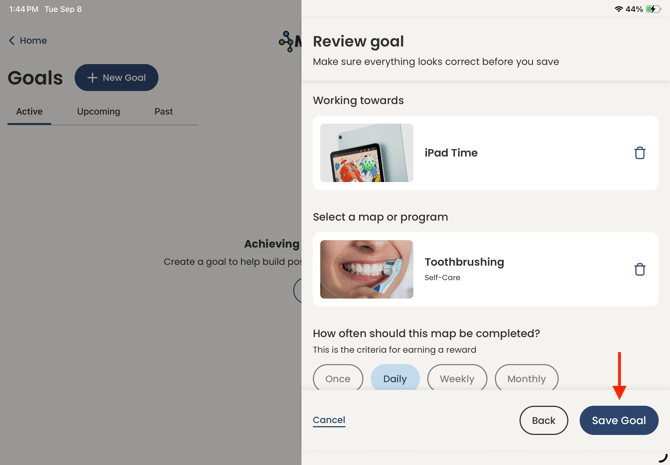
- Review your Goal then click Save Goal
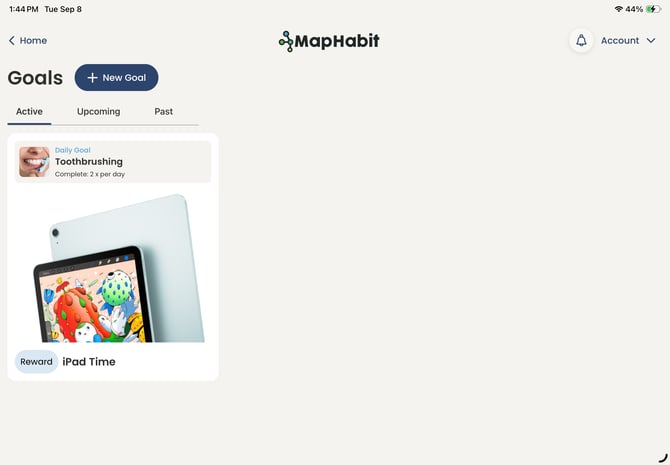
- Your goal has been created!
View Your Goal
- Navigate to Goals to see all Active Goals. You can also view Past and Upcoming goals to track your achievements!
- Click on a specific Goal to see your progress toward completing that Goal.
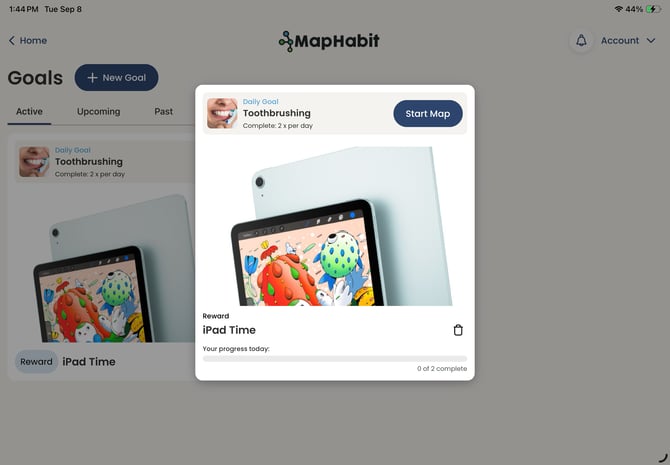
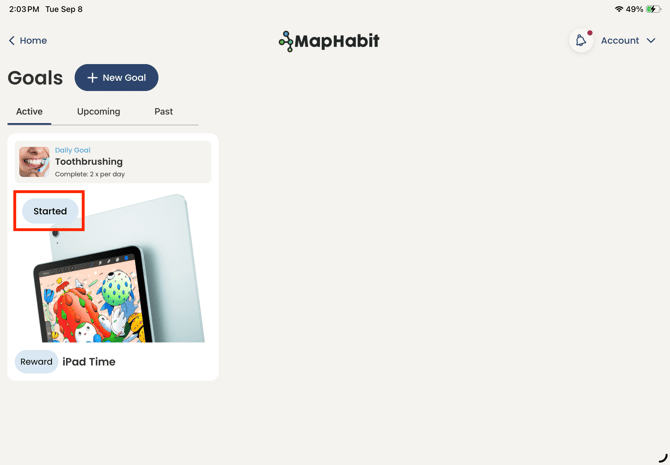
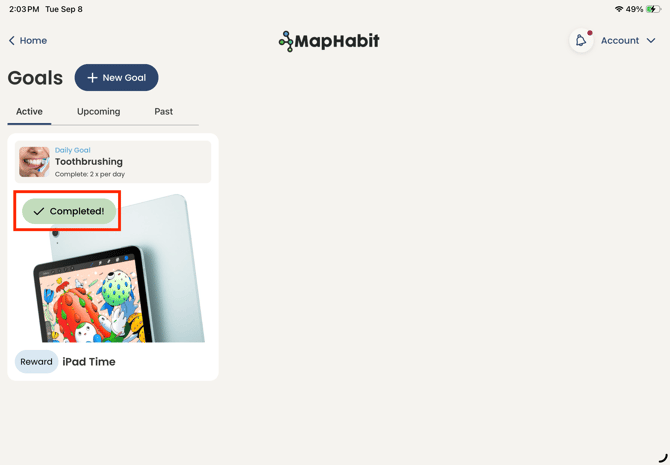
- Once a Goal has been Started or Completed, it will be reflected on the Active Goals Page.
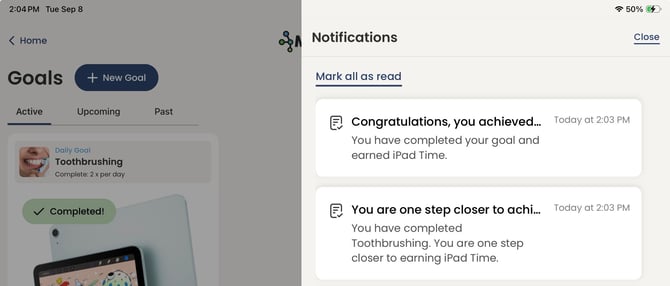
- Based on your selected notification preferences, you and your Circle of Support will be notified when you make progress toward a goal or complete a goal.
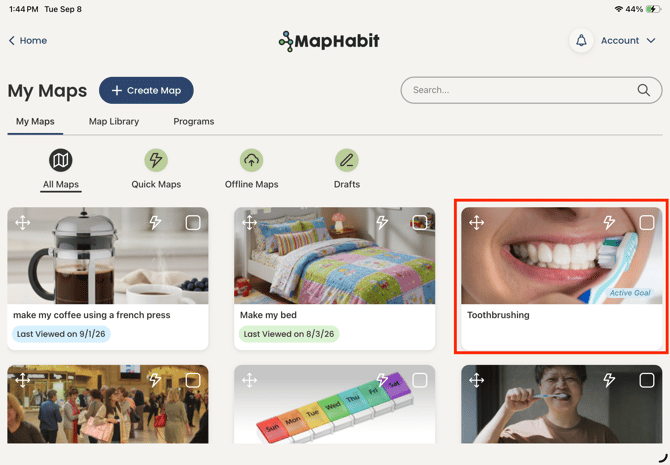
- Active Goals are reflected in My Maps
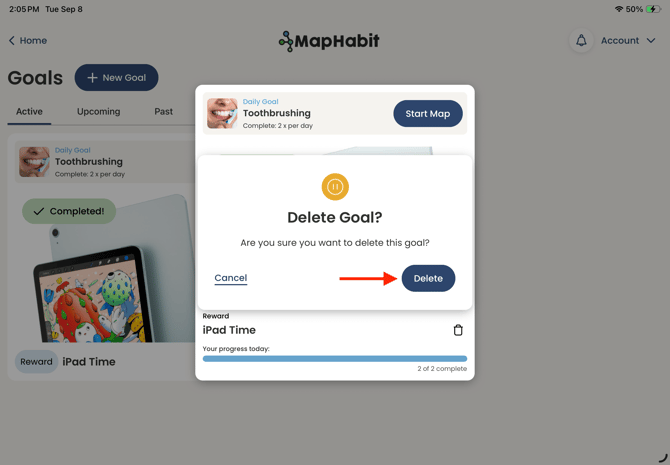
Delete a Goal
- Navigate to Goals from the Home Page
- Click on the Goal you would like to Delete
- Click the delete icon
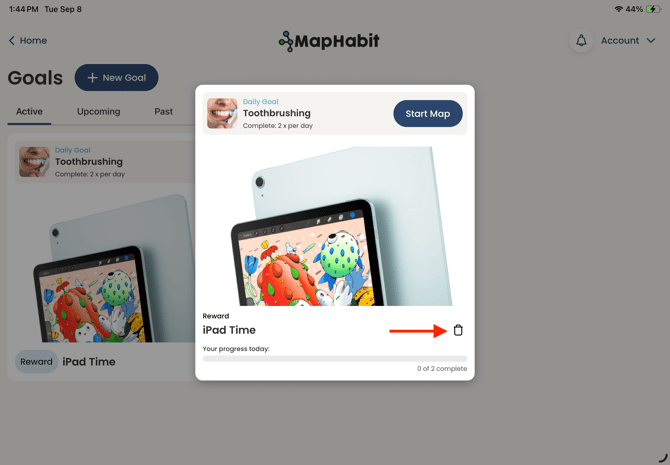
- Confirm your deletion