
Rather read than watch? No Problem!
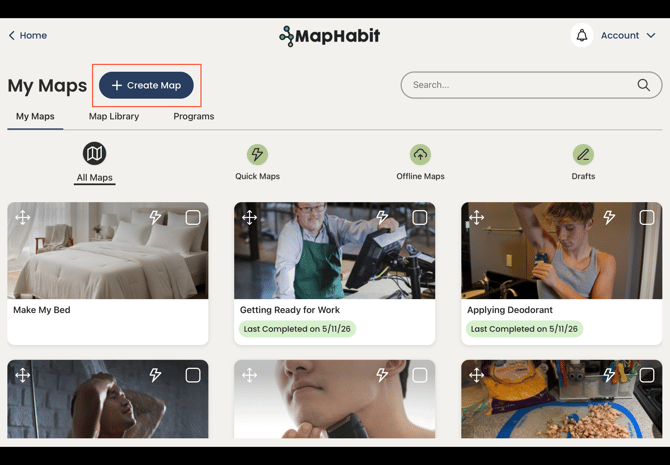
1. Click on + Create Map
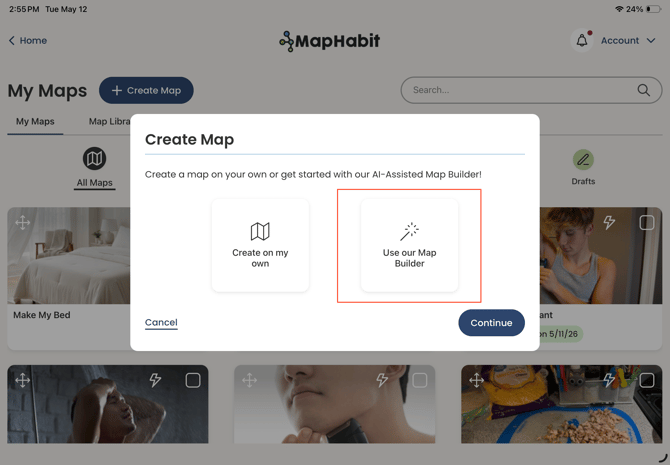
2. Click Use our Map Builder then Continue
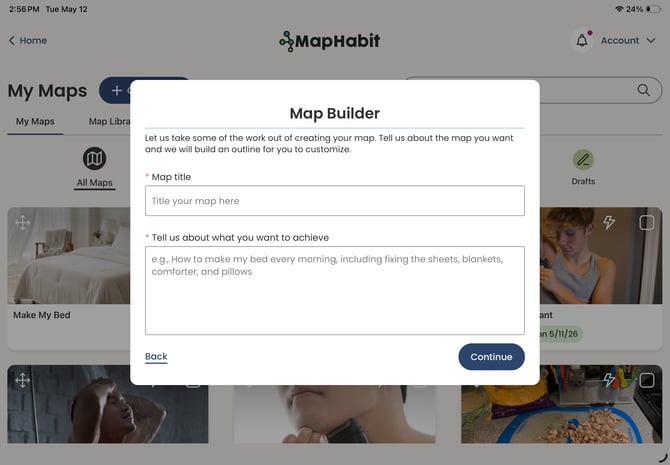
3. Enter a map title and describe what you would like to achieve.
The more information you provide, the better, especially if you would like your map to be tailored to specific demographic information or ability level.
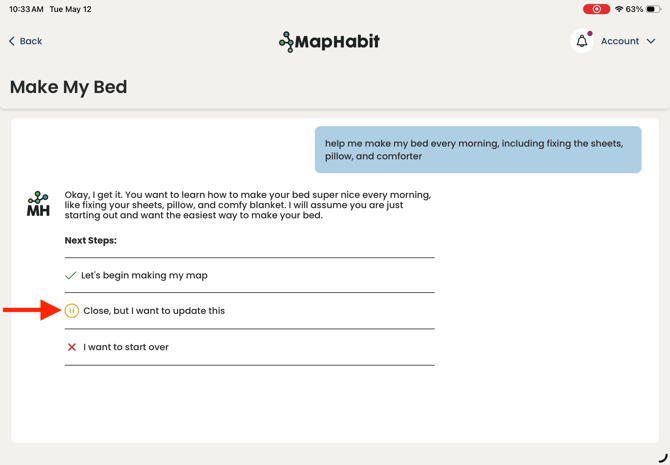
4. The Map Builder will confirm its understanding of your request. You can update its understanding.
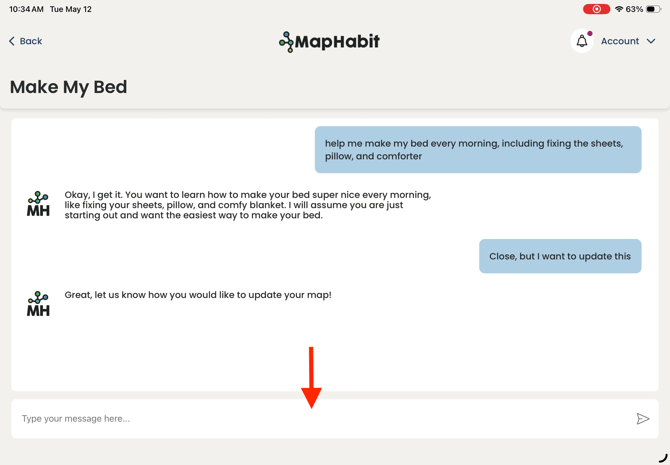
5. Once you are happy with its understanding, you can begin with an outline of your map to review before map creation.
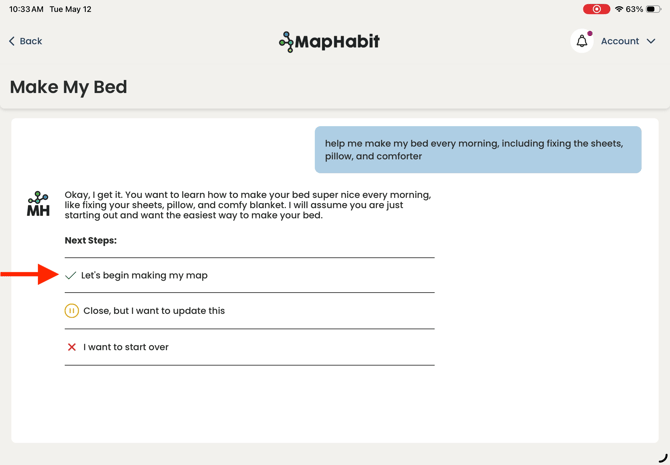
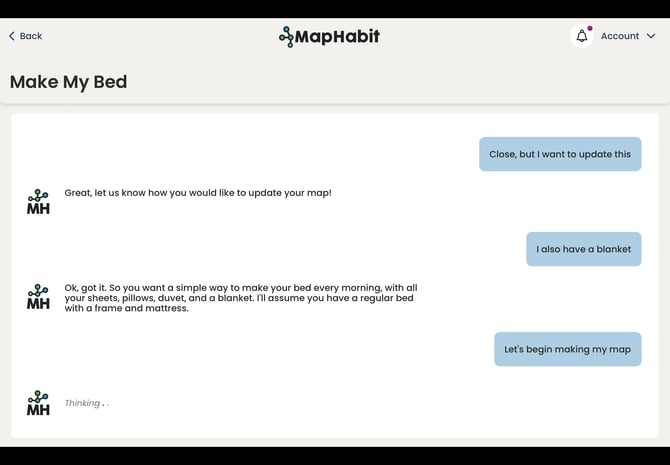
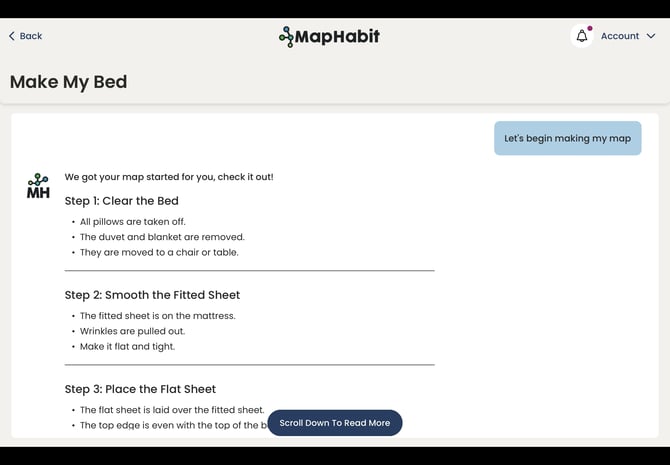
6. You can update the map outline to better fit your needs. Once you are done, the Map Builder can create your map! You will be able to choose whether you want to create your map with the map step text or with images created by AI for every step.
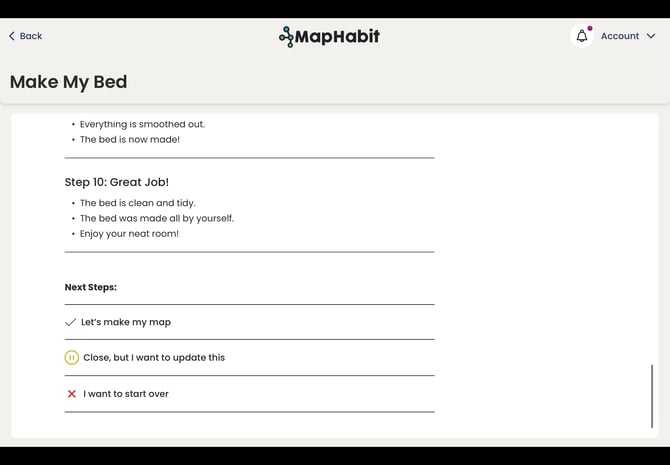
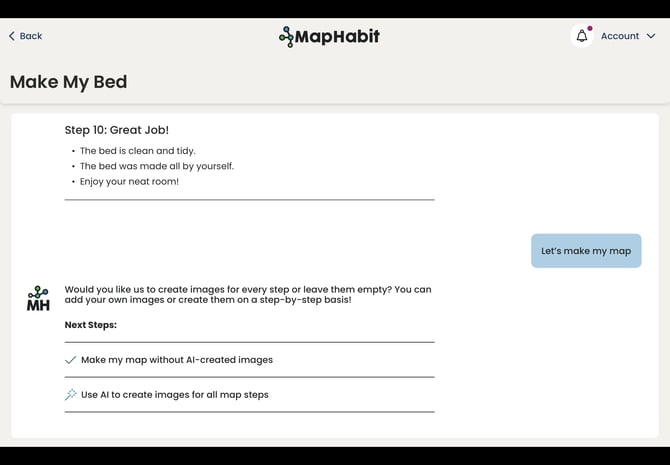
7. If you create your map with images, you can exit the map while they load by clicking the Back button.
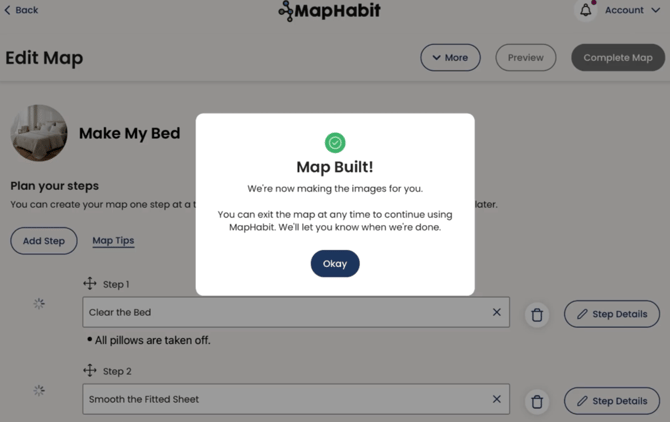
8. Whether you create your map with images or not, it will save the Drafts.
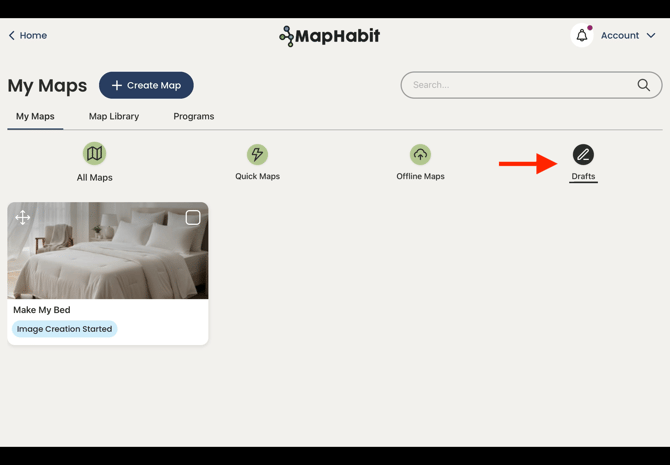
9. You will be notified in the app when your images are done. You can return to the map from Drafts, by clicking the on-screen notification, or by navigating to in-app notifications (Bell Icon).
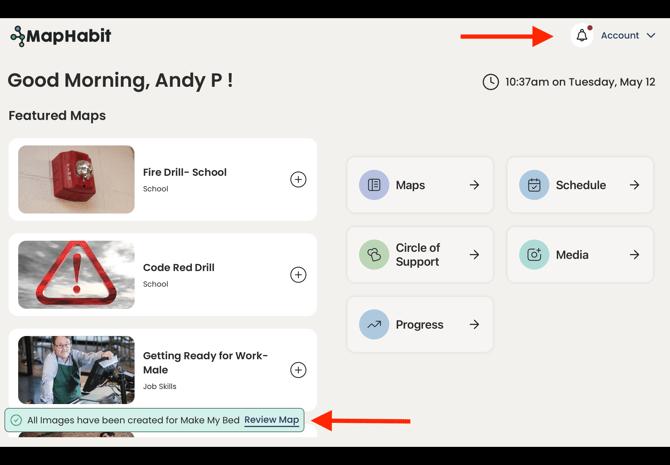
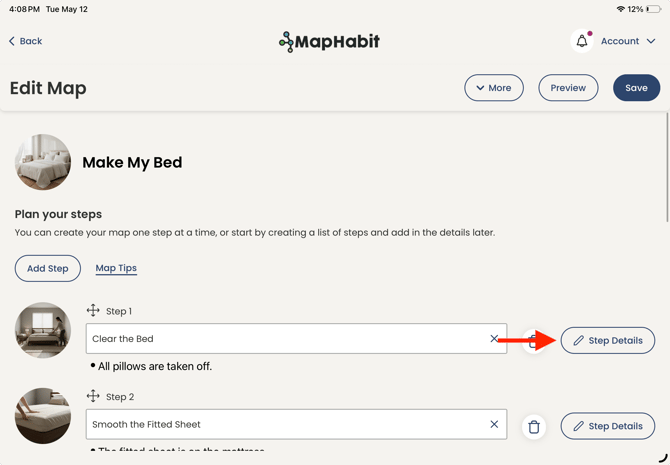
10. When you return to your map, you can edit the created images by going into Step Details.
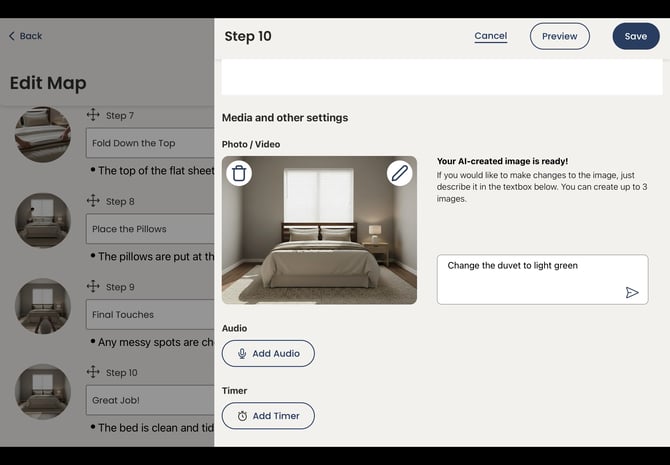
11. When in step details, you can describe any desired updates to your image.
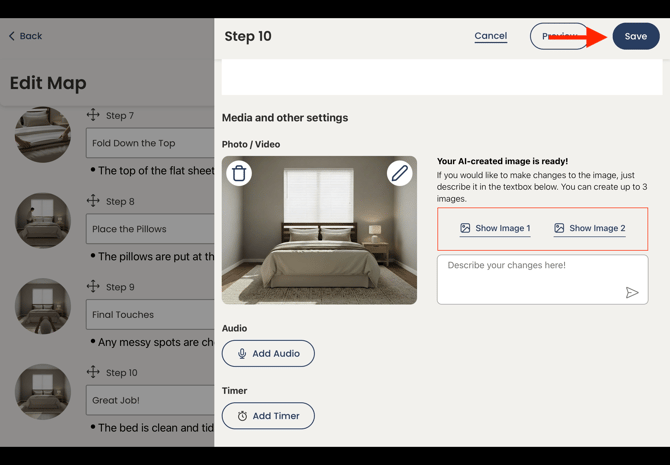
12. After the new image is created, you can still switch back to the previous image. You can create up to three images per step. Once you are happy with the image selected, click Save.
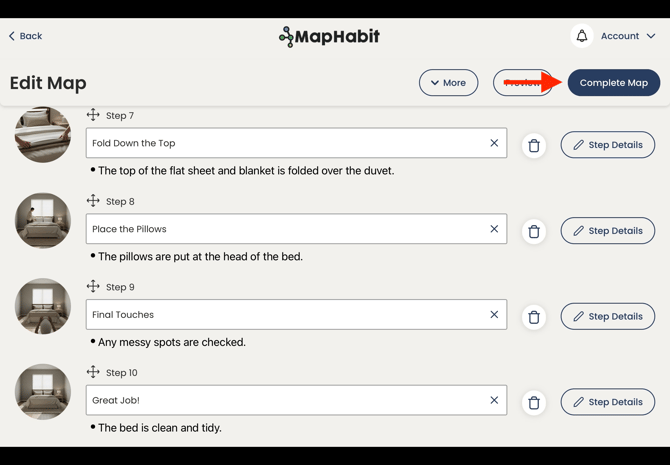
13. Once you are happy with the map and have finished all changes, click Complete Map.
14. You map will now appear in My Maps -> all Maps
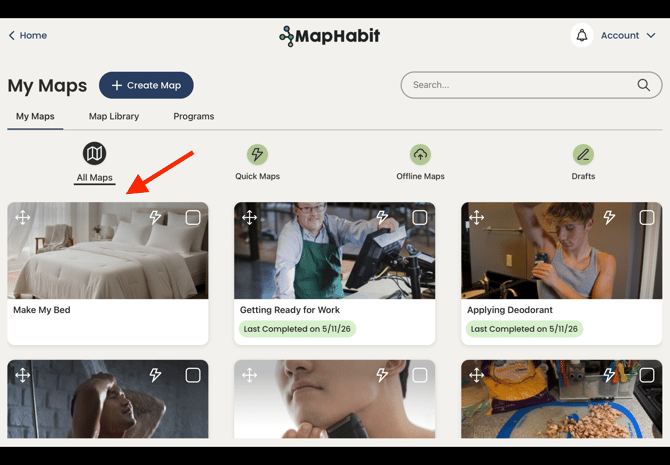
Congratulations! You have now used our Map Builder to create a new map in just a few minutes!