Accessing Progress
As an Individual
- Ensure you are signed into your account
-
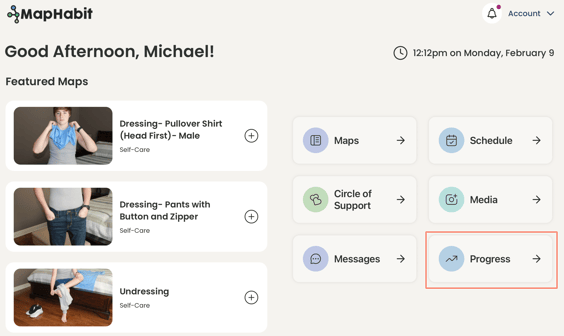
On the Home Screen, click on Progress
-
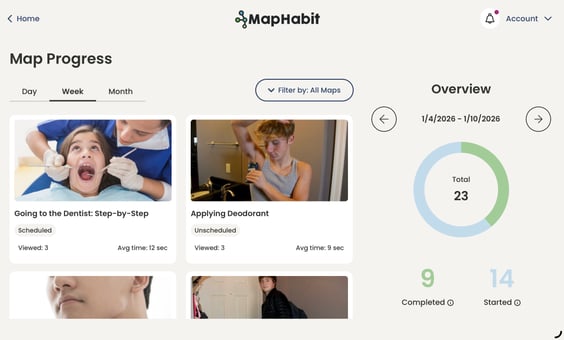
You can now view your Progress!
As a Support Partner
- Ensure you are signed into your account
-
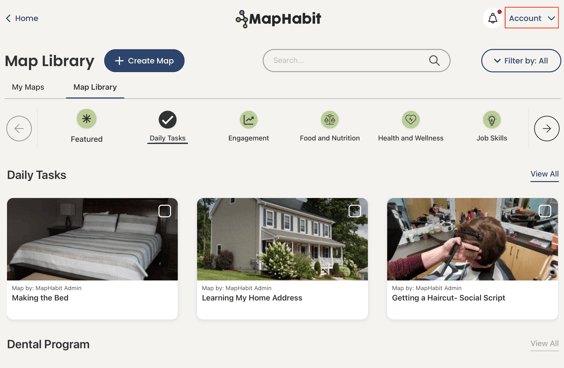
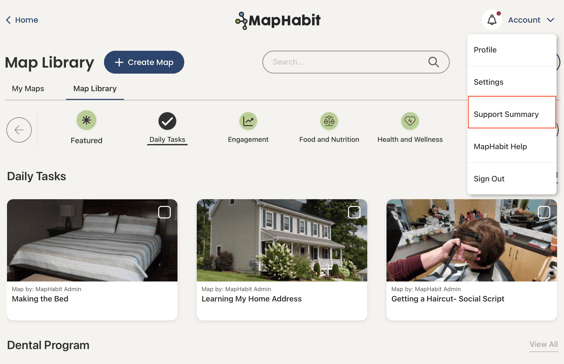
From any screen, click on Account
-
In the dropdown menu, click on Support Summary
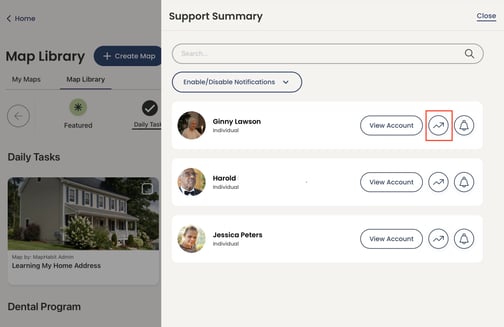
- For the desired individual, you have two options
-
Option 1: Click on the Progress Icon to be taken directly into Progress
-
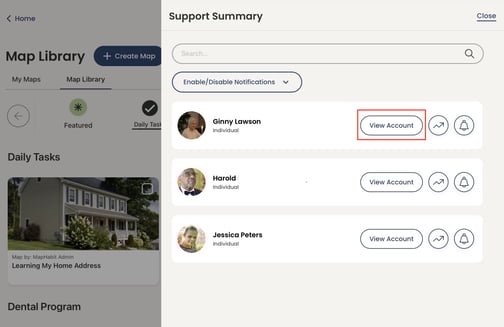
Option 2: Click “View Account”
-
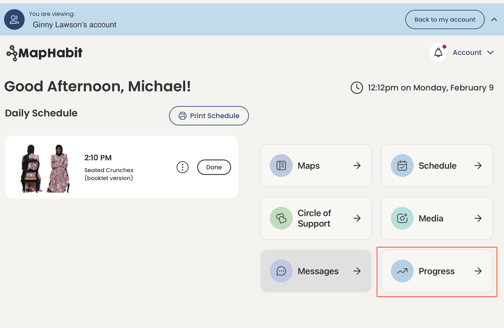
Now that you are viewing the Individual's Account, click on Progress
-
Making the Most of Progress and its Insights
-
Once in Progress, there is lots you can do!
-
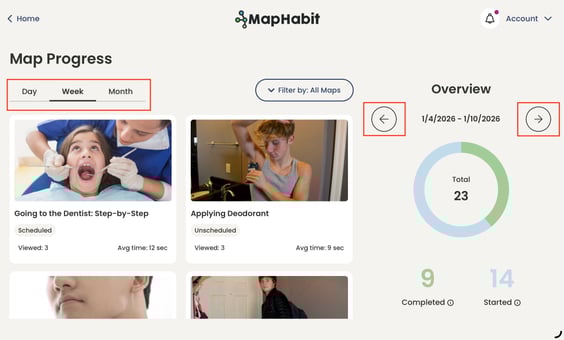
You can view data for a specific day, week, or month
- Use the arrows to navigate to the previous or next time period!
-
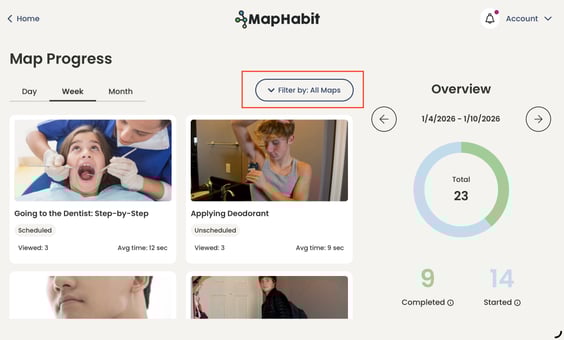
You can filter between all maps, scheduled maps, and unscheduled maps!
-
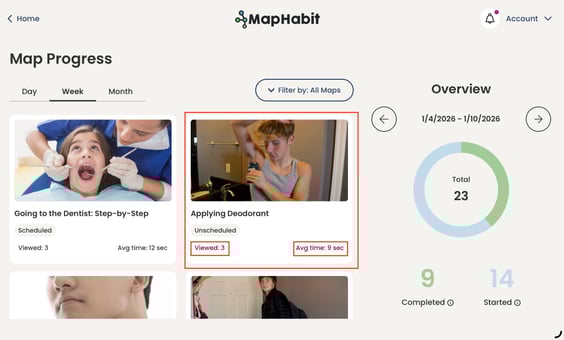
You can see statistics rolled up for each unique map!
-
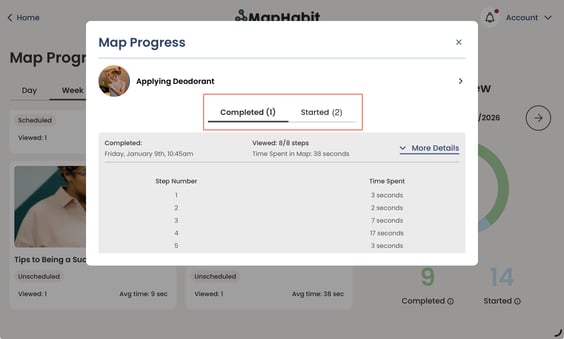
You can see if each map visit was started or completed!
-
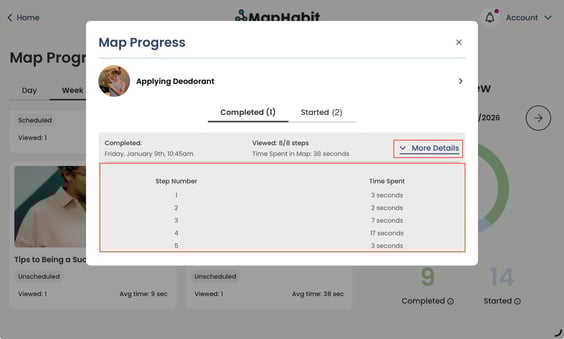
You can view a detailed breakdown of time spent in each map step!