Access Progress in the MapHabit App
If you are unsure how to Access Progress, please visit How can I see my MapHabit usage first.Print or Share Progress from the MapHabit App
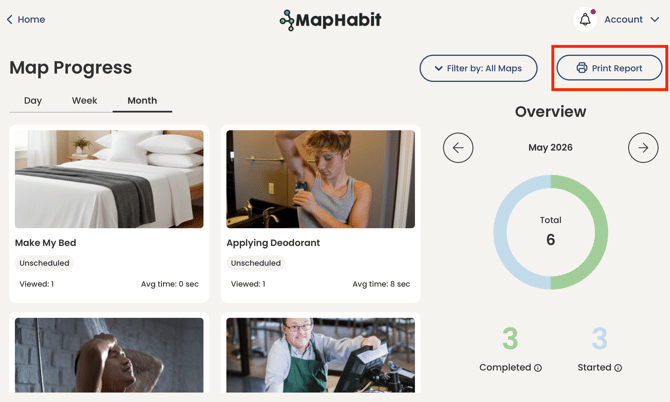
- Select the time period you would like to print or share.
- Whatever time period is selected in the app is what will be shared via the PDF
- Click Print Report
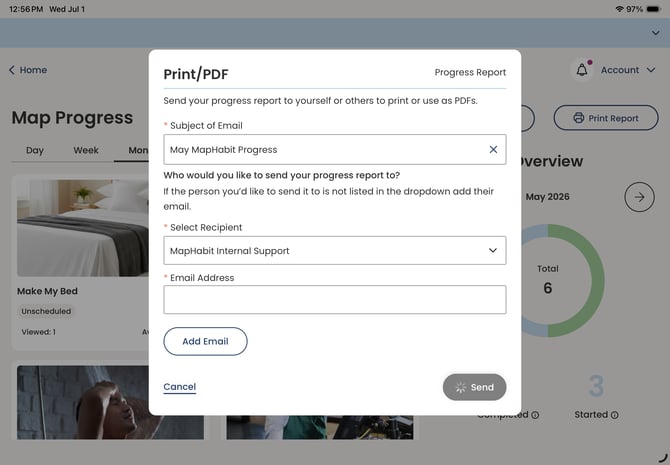
- Add a Subject Line for the email
- Select a Recipient from your Circle of Support or Add an Email Address manually
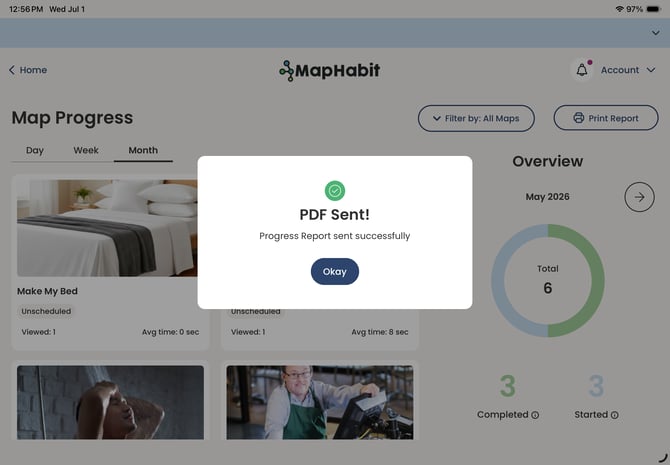
- Click Send
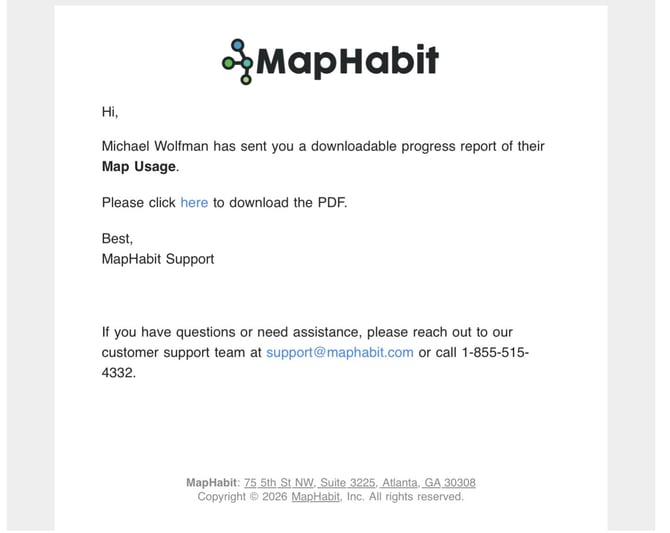
- The Recipient will receive an email where they can download the Report as a PDF to their device